



US Warehouse
Mangoal Caméra de tableau de bord avant 4K et arrière 1080p sur mesure pour Chevrolet Colorado 2015-2022 Base WT LT Z71 ZR2, look OEM intégré, vidéo UHD 2160P, WiFi et application, carte 128 Go
Prix régulier
$169.99
Prix de vente
Prix régulier
$0.00
Taxe incluse.
Expédition calculée au moment du paiement.
Description
Description
Ajustement personnalisé pour Chevrolet Colorado
La caméra de tableau de bord Mangoal avant 4K et arrière 1080p peut s'adapter parfaitement derrière le rétroviseur comme l'original. Aucun câblage désordonné exposé, aucun recâblage compliqué du tout. Parfaitement intégré aux styles de véhicules Chevrolet Colorado 2015-2022, tels que la base WT LT Z71 ZR2.
Avant 4K et arrière 1080P
Notre double caméra de tableau de bord qui enregistre des vidéos jusqu'à des résolutions Ultra HD 4K (3840 x 2160) + FHD 1080P. Il vous aide à lire les détails clés tels que les panneaux de signalisation, les plaques d'immatriculation des véhicules, etc. Pour réduire les zones aveugles, il dispose d'un grand angle avant de 170 degrés et d'un grand angle arrière de 140 degrés. Cela vous aide dans des circonstances inattendues comme une collision à conserver et à présenter des preuves.
WiFi intégré, application gratuite
Le Wi-Fi intégré offre une définition plus élevée et une vitesse de téléchargement plus rapide, et l'application gratuite et conviviale permet de visionner des vidéos en temps réel sur votre téléphone, de télécharger ou de transférer des séquences importantes sur un PC. Vous pouvez également partager des vidéos sur les réseaux sociaux avec vos amis ou votre famille quand vous le souhaitez.
Enregistrement en boucle et capteur G
L'enregistrement en boucle transparente écrasera les séquences les plus anciennes par le nouveau contenu lorsque la carte mémoire est pleine. G-Sensor détecte une collision soudaine et enregistre et verrouille immédiatement la vidéo actuelle dans le dossier spécifié, empêchant l'écrasement des séquences pertinentes.
Ce que vous obtenez
Mangoal OEM Look 4K Dashcam x1, caméra arrière x1, câble de caméra arrière x1, carte microSD 128G x1, manuel d'utilisation x1, câble adaptateur OBD x1, câble adaptateur de prise à gradation automatique x1, pied de biche x1, sangle x2, tournevis étoile T20 x1, T25 Tournevis étoile x1, garantie de 12 mois sans souci et service client amical.
NOTE:The rear camera and rear camera cable are included only with the purchase of a dual dash cam.
Shipping & Return
Shipping & Return
Shipping
We will arrange the shipment within 48 business hours after getting your payment. All orders will be shipped with the fastest delivery like FedEx/UPS/USPS/DHL. Generally speaking, it will take around 5-15 business days to your country. Currently, we only build the local warehouse in the US, therefore, all US customers can get the package within 5 business days.
We will also apply for local posts in some countries, and we may charge for remote distance payment, which is charged by our cooperated carriers.
Return
We have a 30-day return policy, which means you have 30 days after receiving your item to request a return.
To be eligible for a return, your item must be in the same condition that you received it, unworn or unused, with tags, and in its original packaging. You’ll also need the receipt or proof of purchase.
To start a return, you can contact us atsupport@mangoaltech.com. If your return is accepted, we’ll send you a return shipping label, as well as instructions on how and where to send your package. Items sent back to us without first requesting a return will not be accepted.
You can always contact us for any return question atsupport@mangoaltech.com.
Though we will try our best to help you lower down the import tax, but we won't pay for customs. Please provide the necessary information before shipment.
Any questions about shipment, feel free to email support@mongoaltech.com.
Impossible de charger la disponibilité du ramassage
Payment & Security
Modes de paiement
Your payment information is processed securely. We do not store credit card details nor have access to your credit card information.


Clear Front Road Capture
Sharp footage captures license plates and road signs. Wide field of view reduces blind spots, keeping reliable video evidence ready for unexpected events.
Note:4K refers to exported video files with a resolution of no less than 3840 x 2160.
Enhanced Low-Light Night Vision
With an F/1.8 aperture and SONY STARVIS IMX335 sensor, it enhances light sensitivity and color accuracy for clearer low-light footage.


Circular Polarizing Lens (CPL Filter)
Reduce reflections and glare for clearer, higher-contrast footage.
NO CPL

With CPL

Note: CPL filter sold separately. Confirm compatibility or contact support prior to ordering.
Auto Emergency Lock
3-axis G-sensor locks video automatically during collision to save accident footage.


Loop Recording
Enables non-stop recording and automatically overwrites older unlocked footage.

Wi-Fi & App Control
High-speed Wi-Fi for high-res footage. Free intuitive App for live preview, download, PC file transfer and social sharing.
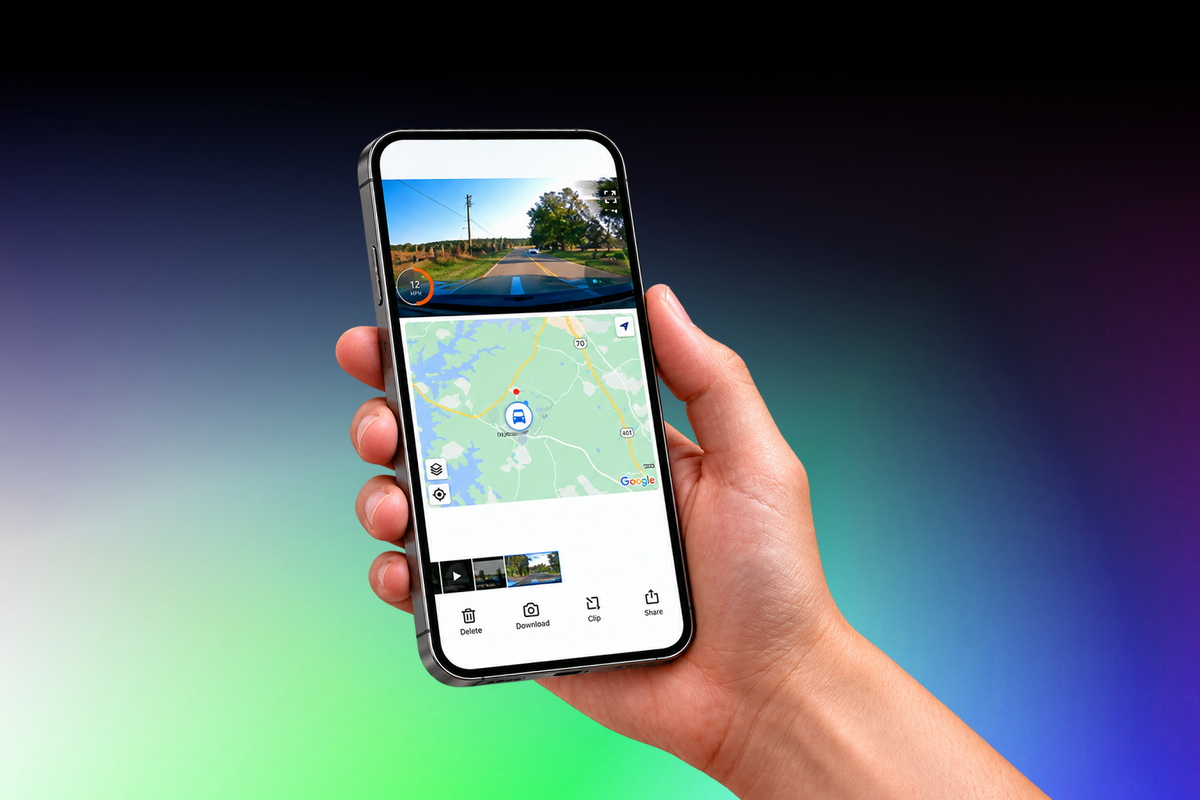
· Wi-Fi Connection
· MANGOAL APP Control
· Mobile Live Preview & Sharing

Installation Video
Packing List
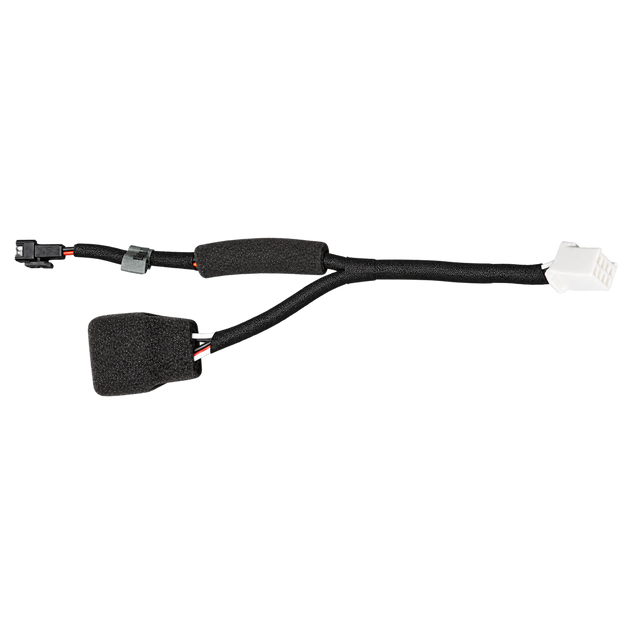
Power Harness
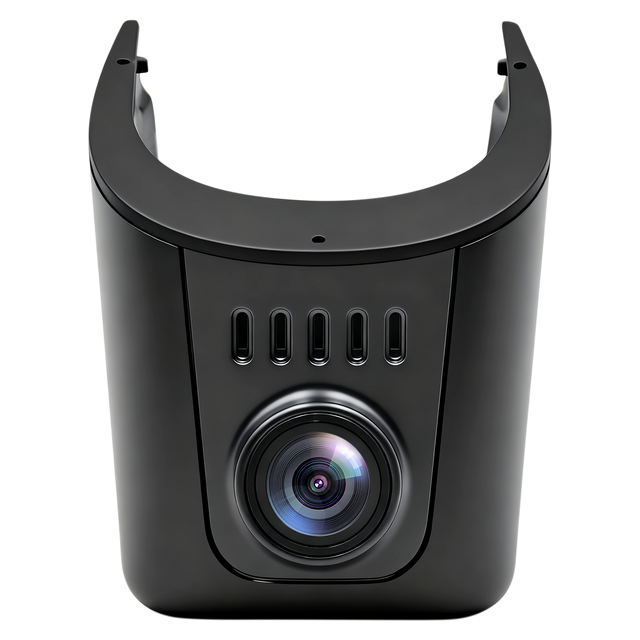
Dash Cam
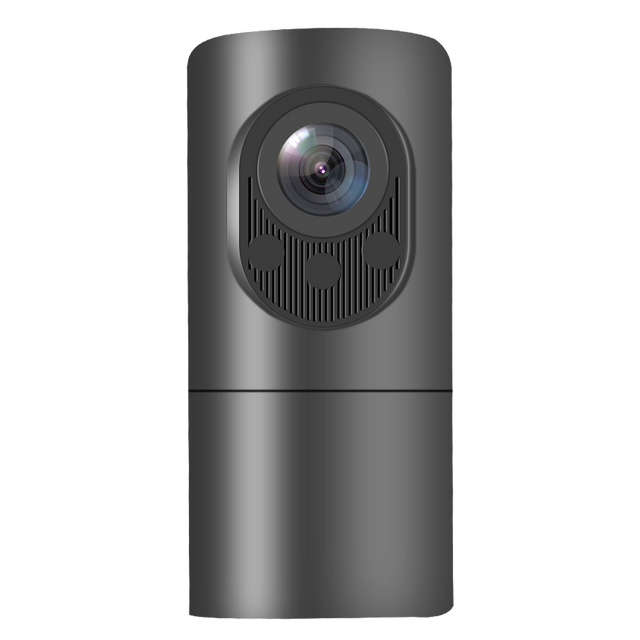
Rear Camera
Optional
Dual-Channel Only
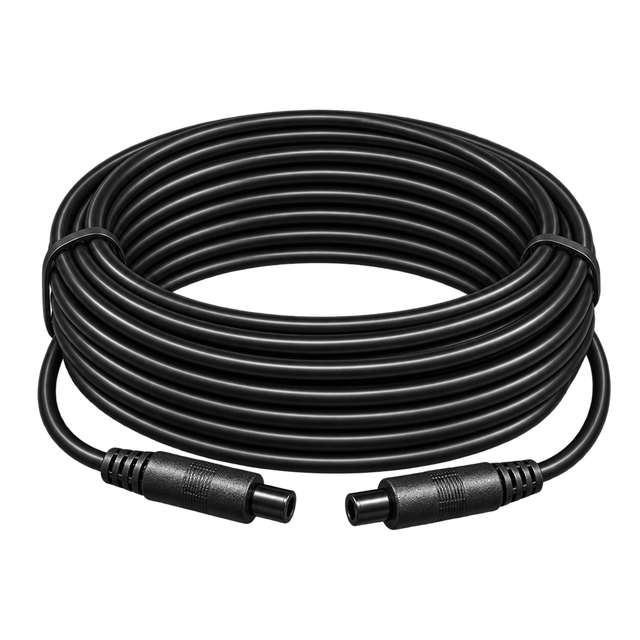
Rear Camera Power Harness
Optional
Dual-Channel Only
microSD Card
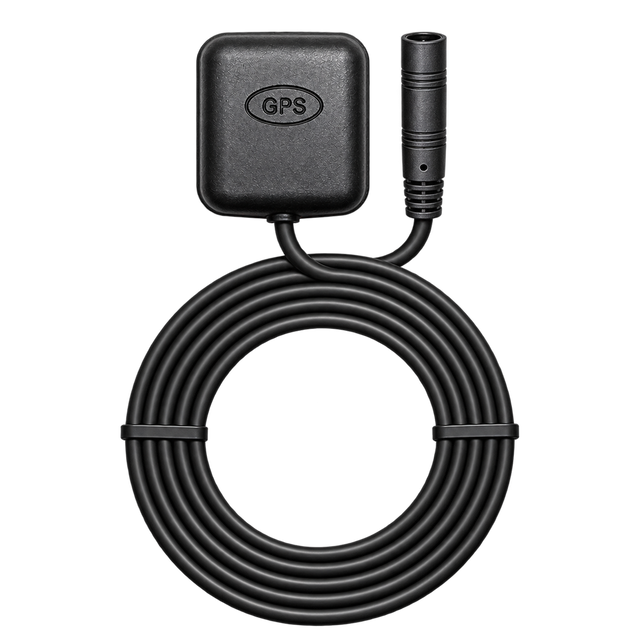
GPS Module
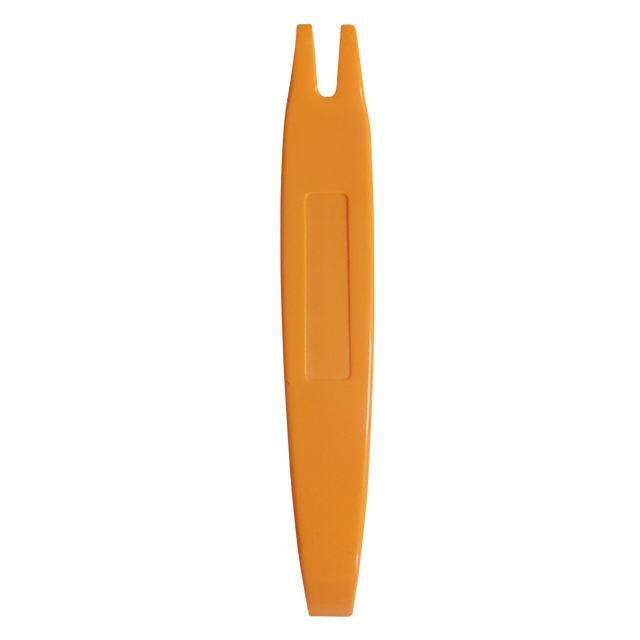
Trim Tool
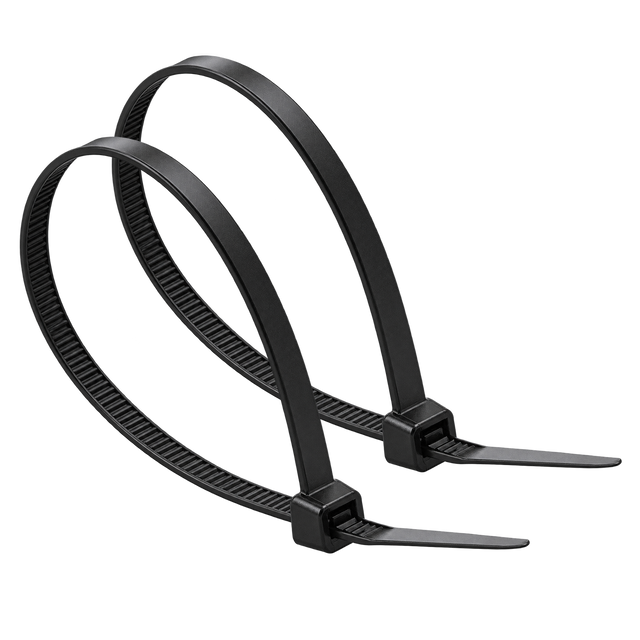
Cable Ties
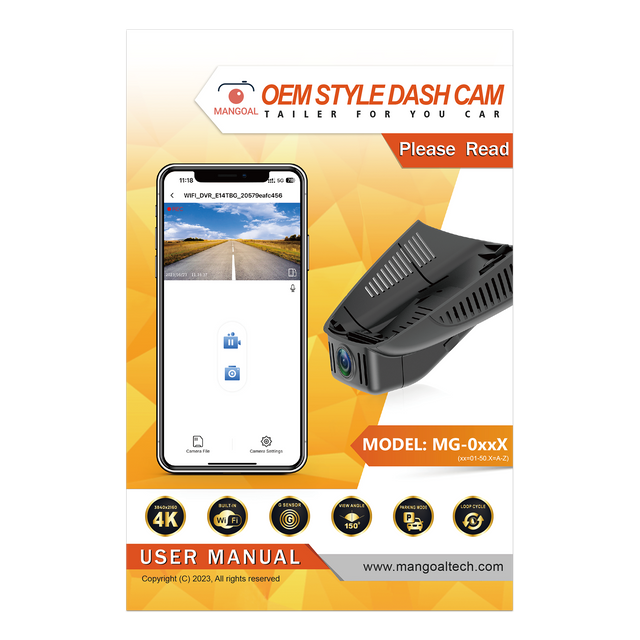
User Manual
Note: The picture shows a sample of the main unit. The appearance of each OEM-style dash cam main unit and wiring harness may vary. The specific model will depend on the order selected.
See the Differences
| Feature | Standard Dash Cams | STARVIS 2 Dash Cams |
|---|---|---|
| Design & Look | Factory OEM-Style Integrated Fit | Factory OEM-Style Integrated Fit |
| Front Camera | SONY STARVIS IMX335 4K (Upscaled) @30fps | SONY STARVIS 2 IMX678 (8MP) Native 4K @30fps |
| Rear Camera (Optional) | FHD Sensor (GC2093) 1080P @30fps | SONY STARVIS 2 IMX675 2K @30fps |
| Lens Aperture | Front: F/1.8 / Rear: F/2.0 | Front: F/1.8 / Rear: F/1.5 |
| Imaging Tech | Standard WDR | HDR 2.0 + WDR |
| Wi-Fi Connectivity | Built-in 2.4GHz Wi-Fi | Built-in 5.8G High-Speed Wi-Fi |
| MicroSD Storage | 64GB / 128GB Max Support 256GB | Industrial-Grade MicroSD Max Support 512GB |
| GPS & Tracking | External GPS Module Supported | External GPS Module Supported |
| Safety Protection | 3-Axis G-Sensor & Loop Recording | 3-Axis G-Sensor & Loop Recording |
| Parking Protection | Supported | Supported |
| Audio & Voice | Built-in Mic & Speaker (Voice Prompt) | Built-in Mic & Speaker (Voice Prompt) |
Some of the reviews shown are from related products the merchant grouped with this one.
T
Very easy to install. Not sure if it really is 4K though.
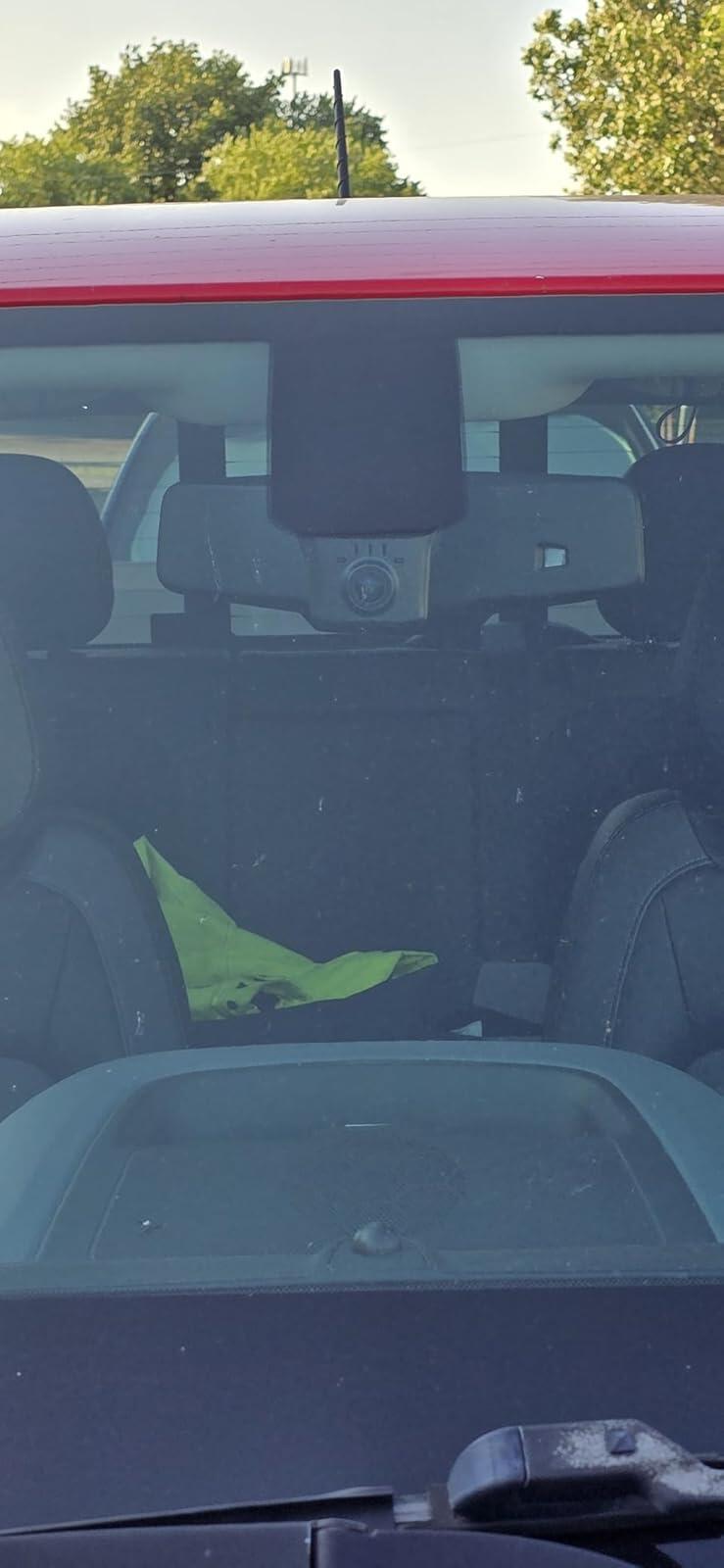
D
All the install instructions are very easy to read and follow. Luckily, I have not gotten into a wreck where I needed the recording but I have used the app to download video and it is super easy to use. Every time I tell someone I have a dashcam, no one believes me because it is so hidden. Great Job, Mangoal
A
works perfectly
H
Easy to install less 10 minutes the app and setup is a little tricky but after that work perfect for what I need it since I have installed in my truck I ready take 4 incidents
d
Quick install, once I figured out the wifi situation. My phone kept switching back to my truck wifi, so I had to turn off the auto-connect feature in the phone wifi options for the truck. Once that was done, I was able to plug in the front camera to the OBD power source, and plug the rear camera into the front camera dongle and verify the cameras worked and the video was quality. I then ran the OBD plug from the plug under the steering wheel, easily slid it on the inside portion of the molding around the door, up to the headliner and to the install location. Same with rear camera. Plenty of cable to run through the car. Was able to easily run cable from camera in the headliner, slid it into the inside portion of the front door molding, slid it into the plastic molding between the front and rear driver's side doors, into the rear doors molding, and into the back headliner. Ran the app to make sure the camera was right-side up, and applied to rear window. Make sure you are putting it on the driver's side (for Colorado), or what ever side of your truck the rear sliding window does not slide to. Since I used the OBD plug so it can record while parked and turned off, there are other plugs in the box that will not be used. I plugged those other cables in until I realized I didn't need to because i was doing the OBD plug. The app has volume control, can turn off cabin audio recording, video quality settings, etc. Pleased with easy install (can't see any wires and the camera looks stock), and pleased with the app so far. Time will tell with quality and I will update if this thing breaks.
S
This cost a bit more than I wanted for what it is, but it's custom fit and looks factory so I understand the added cost. The installation is easy and looks great. No ugly camera hanging on a suction cup. Unobtrusive and it automatically starts up when it should.
The video is pretty good. At the end of the day, it does start up fast, take decent video, and it's reliable. I've checked it's doing it's thing many times and it is. It's been good enough quality I can read license plates if I pause it.
Overall I'm happy. I hope it lasts.
d
Quick install, once I figured out the wifi situation. My phone kept switching back to my truck wifi, so I had to turn off the auto-connect feature in the phone wifi options for the truck. Once that was done, I was able to plug in the front camera to the OBD power source, and plug the rear camera into the front camera dongle and verify the cameras worked and the video was quality.
I then ran the OBD plug from the plug under the steering wheel, easily slid it on the inside portion of the molding around the door, up to the headliner and to the install location. Same with rear camera. Plenty of cable to run through the car. Was able to easily run cable from camera in the headliner, slid it into the inside portion of the front door molding, slid it into the plastic molding between the front and rear driver's side doors, into the rear doors molding, and into the back headliner.
Since I used the OBD plug so it can record while parked and turned off, there are other plugs in the box that will not be used. I plugged those other cables in until I realized I didn't need to because i was doing the OBD plug. The app has volume control, can turn off cabin audio recording, video quality settings, etc. Pleased with easy install (can't see any wires and the camera looks stock), and pleased with the app so far.
N
Ordered one for my wife after using it for a month
,
Once the install was completed, I got the app, connected the cam to my phone, easy peasy. But...Android auto keeps overriding the cam when you go to download images to phone. You need to disable android auto for the cam to stay connected for the download to work.
B
very easy to install unnoticeable instructions very well explained to install