



MANGOAL Dash Cam (GPS Included) for Ford Fusion 2013–2020 Gen2 (LHD, Left-hand drive)
Prix régulier
$169.99
Prix de vente
Prix régulier
$0.00
Taxe incluse.
Expédition calculée au moment du paiement.
Description
Description
Custom fit for Ford Fusion
MANGOAL dash cam can fit perfectly behind the rear view mirror like original. No messy wiring exposed, no complicated rewire at all. Perfectly integrated with Ford Fusion 2013-2020 Gen2 vehicle styles. Such as S SE SEL Titanium. COMPATIBLE WITH ALL CAR MODELS EQUIPPED WITH RAIN FALL SENSOR !
4K Image and Ultra HD 2160P Video
Elevate your visuals with the upgraded f/1.8 large aperture lens and Sony STARVIS IMX335 CMOS sensor, enabling high-definition video at 2160P/30fps. MANGOAL's OEM-style dash cam delivers exceptional 4K image performance, displaying a decent dynamic range and precise colors. Capture clear videos in diverse lighting conditions, whether low or high light settings.
Front 4K and Rear 1080P
Our dual dash cam which records video of up to Ultra HD 4K(3840x2160)+FHD 1080P resolutions. It helps you to read the key details like road signs, vehicle number plates etc. To reduce the blind areas it has the front wide angle of 170 degree and rear wide angle of 140 degree. This helps you during unexpected circumstances like collision to retain and present evidence.
Built-in WiFi, free App
The built-in WiFi owns higher-definition and faster download speed, and the free user-friendly App makes it convenient to view realtime videos on your phone, download or transfer important footage to PC. You can also share videos on social media with friends or families whenever you want.
Loop Recording & G-Sensor
Seamless loop recording will overwrite the oldest footage with new content when memory card is full. G-Sensor detects a sudden collision and immediately save & lock current video to specified folder, prevents relevant footage from overwriting.
What you get
MANGOAL OEM Look 4K Dashcam x1, Rear Cam x1, Rear Cam Cable x1, GPS module x1,User Manual x1, OBD Adapter x1, Rain Fall Sensor Adapter x1, Crowbar x1, Strap x2, worry-free 24-month warranty, and friendly customer service.
NOTE:The rear camera and rear camera cable are included only with the purchase of a dual dash cam.
Shipping & Return
Shipping & Return
Shipping
We will arrange the shipment within 48 business hours after getting your payment. All orders will be shipped with the fastest delivery like FedEx/UPS/USPS/DHL. Generally speaking, it will take around 5-15 business days to your country. Currently, we only build the local warehouse in the US, therefore, all US customers can get the package within 5 business days.
We will also apply for local posts in some countries, and we may charge for remote distance payment, which is charged by our cooperated carriers.
Return
We have a 30-day return policy, which means you have 30 days after receiving your item to request a return.
To be eligible for a return, your item must be in the same condition that you received it, unworn or unused, with tags, and in its original packaging. You’ll also need the receipt or proof of purchase.
To start a return, you can contact us atsupport@mangoaltech.com. If your return is accepted, we’ll send you a return shipping label, as well as instructions on how and where to send your package. Items sent back to us without first requesting a return will not be accepted.
You can always contact us for any return question atsupport@mangoaltech.com.
Though we will try our best to help you lower down the import tax, but we won't pay for customs. Please provide the necessary information before shipment.
Any questions about shipment, feel free to email support@mongoaltech.com.
Impossible de charger la disponibilité du ramassage
Payment & Security
Modes de paiement
Your payment information is processed securely. We do not store credit card details nor have access to your credit card information.


Clear Front Road Capture
Sharp footage captures license plates and road signs. Wide field of view reduces blind spots, keeping reliable video evidence ready for unexpected events.
Note:4K refers to exported video files with a resolution of no less than 3840 x 2160.
Enhanced Low-Light Night Vision
With an F/1.8 aperture and SONY STARVIS IMX335 sensor, it enhances light sensitivity and color accuracy for clearer low-light footage.


Circular Polarizing Lens (CPL Filter)
Reduce reflections and glare for clearer, higher-contrast footage.
NO CPL

With CPL

Note: CPL filter sold separately. Confirm compatibility or contact support prior to ordering.
Auto Emergency Lock
3-axis G-sensor locks video automatically during collision to save accident footage.


Loop Recording
Enables non-stop recording and automatically overwrites older unlocked footage.

Wi-Fi & App Control
High-speed Wi-Fi for high-res footage. Free intuitive App for live preview, download, PC file transfer and social sharing.
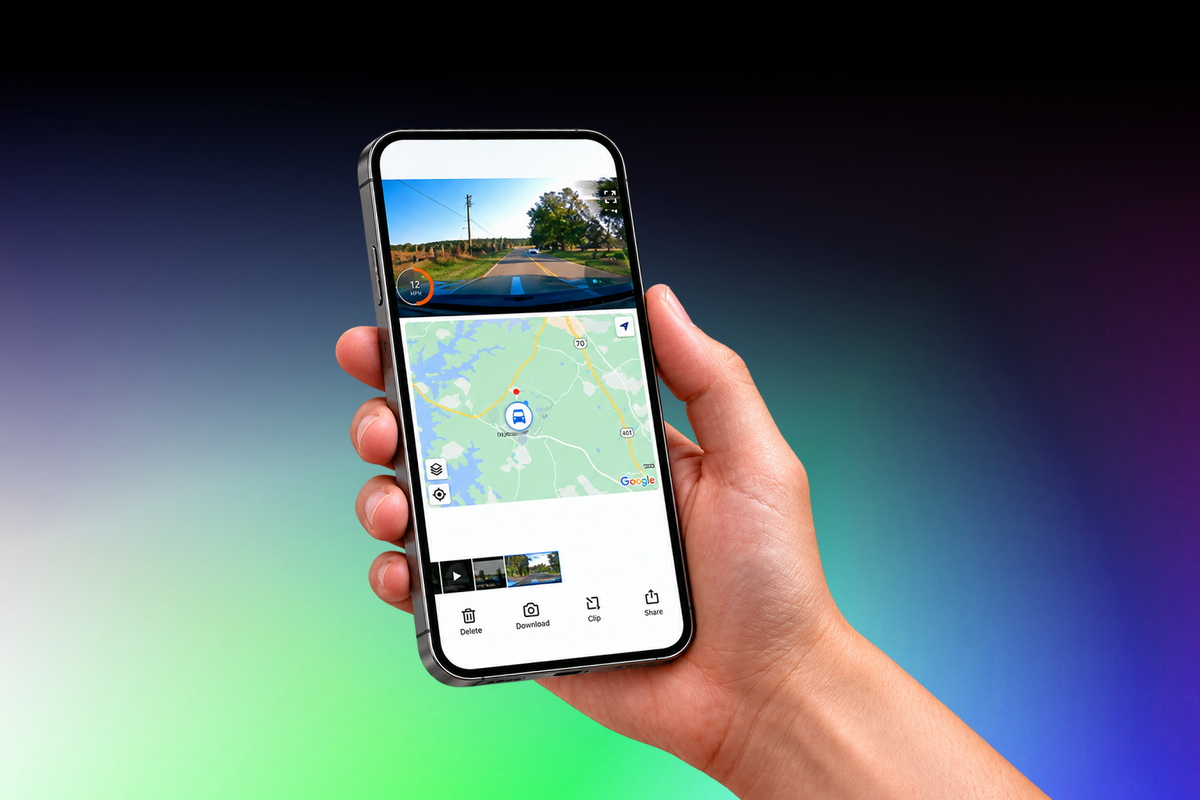
· Wi-Fi Connection
· MANGOAL APP Control
· Mobile Live Preview & Sharing

Installation Video
Packing List
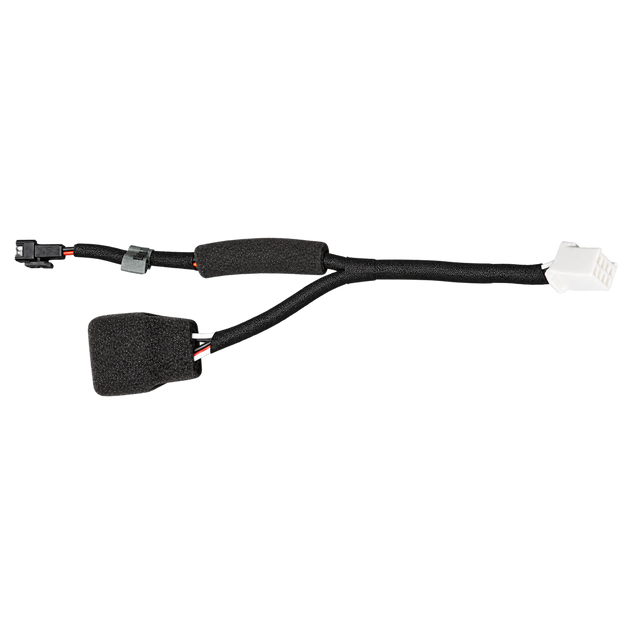
Power Harness
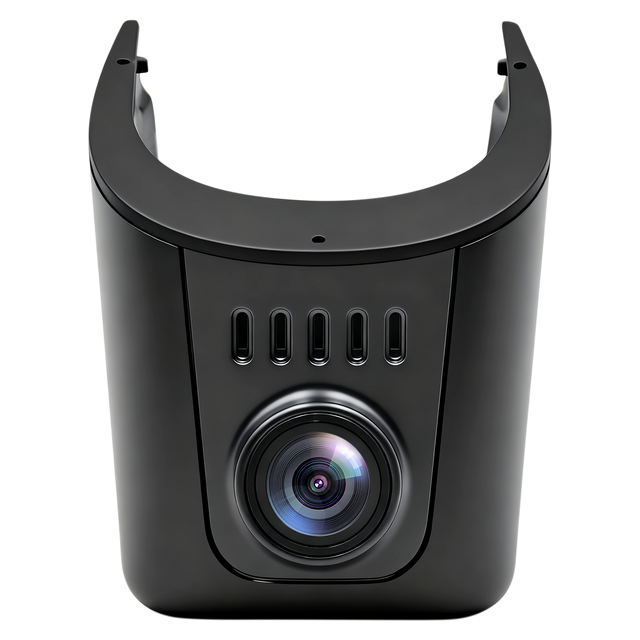
Dash Cam
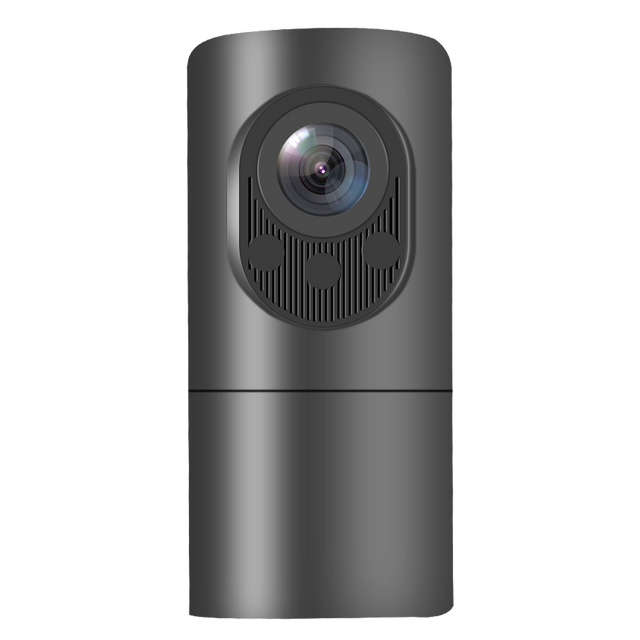
Rear Camera
Optional
Dual-Channel Only
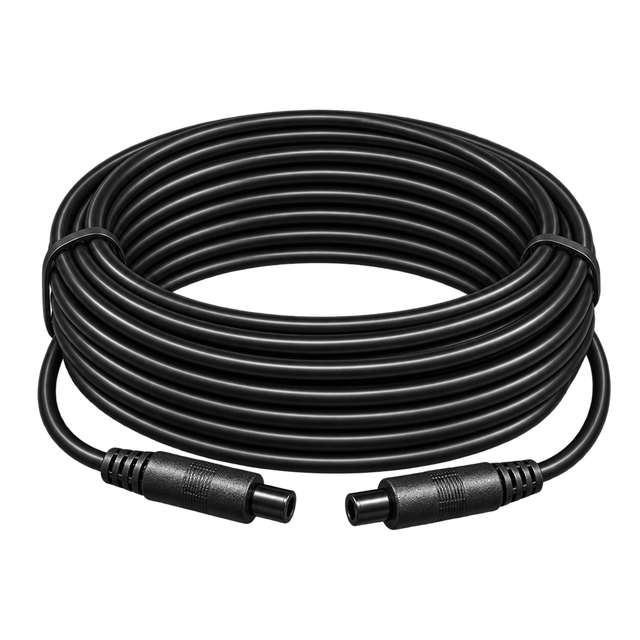
Rear Camera Power Harness
Optional
Dual-Channel Only
microSD Card
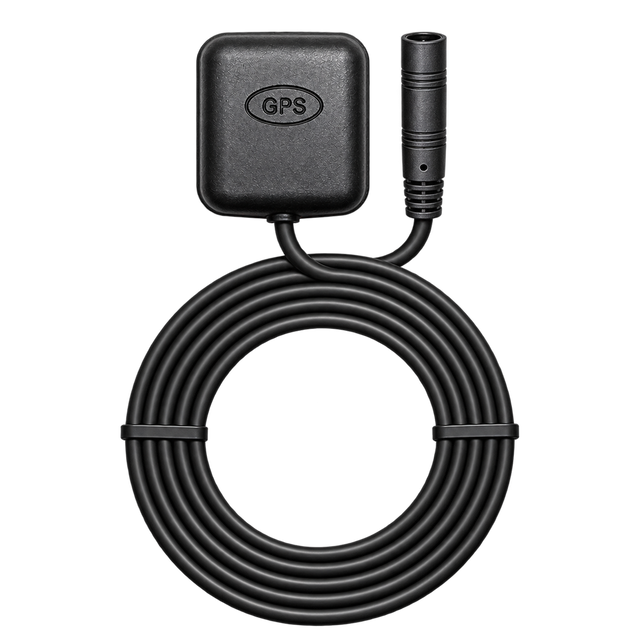
GPS Module
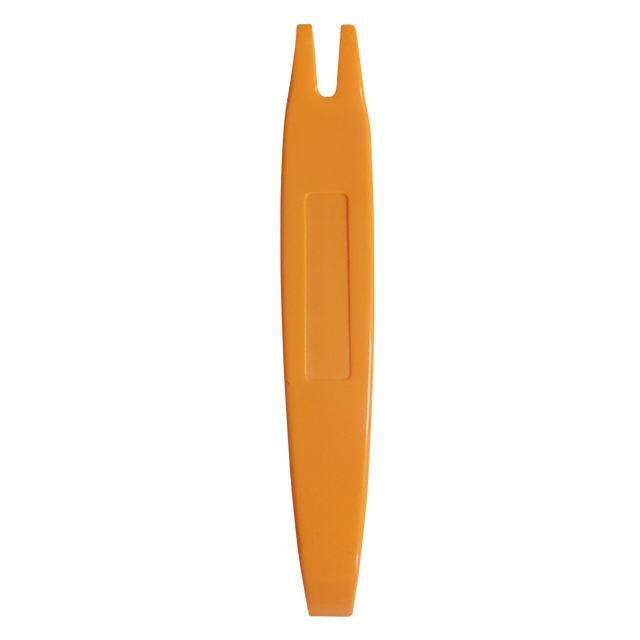
Trim Tool
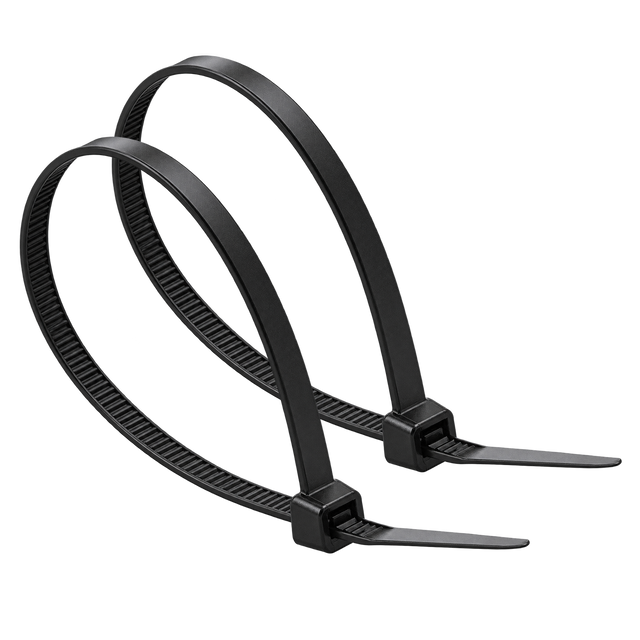
Cable Ties
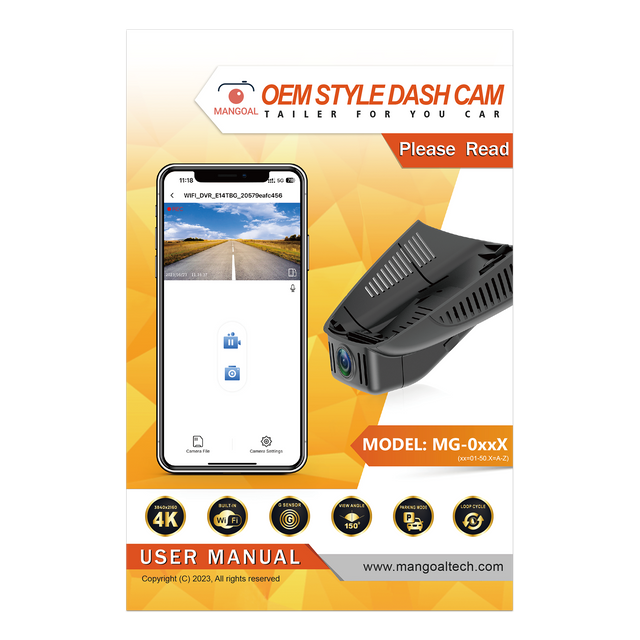
User Manual
Note: The picture shows a sample of the main unit. The appearance of each OEM-style dash cam main unit and wiring harness may vary. The specific model will depend on the order selected.
See the Differences
| Feature | Standard Dash Cams | STARVIS 2 Dash Cams |
|---|---|---|
| Design & Look | Factory OEM-Style Integrated Fit | Factory OEM-Style Integrated Fit |
| Front Camera | SONY STARVIS IMX335 4K (Upscaled) @30fps | SONY STARVIS 2 IMX678 (8MP) Native 4K @30fps |
| Rear Camera (Optional) | FHD Sensor (GC2093) 1080P @30fps | SONY STARVIS 2 IMX675 2K @30fps |
| Lens Aperture | Front: F/1.8 / Rear: F/2.0 | Front: F/1.8 / Rear: F/1.5 |
| Imaging Tech | Standard WDR | HDR 2.0 + WDR |
| Wi-Fi Connectivity | Built-in 2.4GHz Wi-Fi | Built-in 5.8G High-Speed Wi-Fi |
| MicroSD Storage | 64GB / 128GB Max Support 256GB | Industrial-Grade MicroSD Max Support 512GB |
| GPS & Tracking | External GPS Module Supported | External GPS Module Supported |
| Safety Protection | 3-Axis G-Sensor & Loop Recording | 3-Axis G-Sensor & Loop Recording |
| Parking Protection | Supported | Supported |
| Audio & Voice | Built-in Mic & Speaker (Voice Prompt) | Built-in Mic & Speaker (Voice Prompt) |
Some of the reviews shown are from related products the merchant grouped with this one.
J
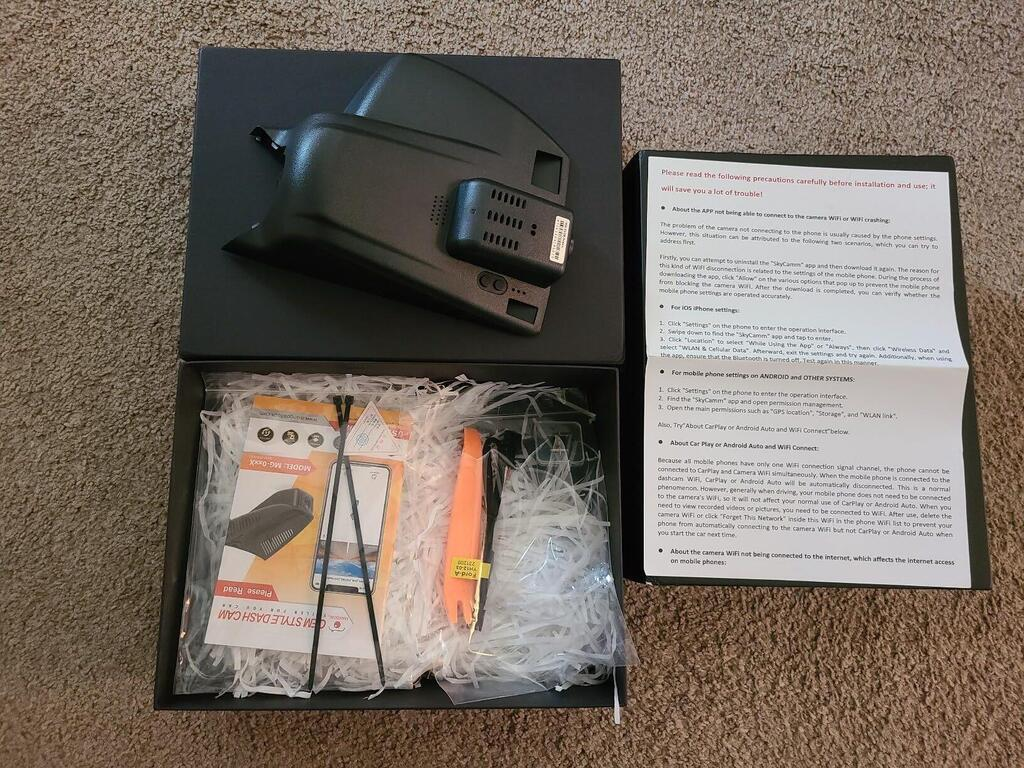
Super easy to put in. You replace the original trim piece with this and it's barely noticable that anything changed. The camera works great and the app that supports it does too. I really appreciate the included power cable, making it easy to tap into the existing power. Very clean and simple wiring job that is just a huge difference maker. The best part is the way it looks, as close to OEM as possible. Worth every penny!
A
What can I say? I've never been so happy with a purchase before. The video quality is excellent, and the camera's field of view is even wider than I expected. Its design is seamless--it discreetly replaces an existing panel cover and draws power from the car's existing system, making installation very straightforward.
The instructions were clear, and the app is excellent--simple to connect and use. The optional GPS unit was truly plug-and-play, and the rear camera add-on was also easy to install, blending almost invisibly into the rear window.
Overall, the system is thoughtfully designed and highly recommendable to anyone considering it.
J
Super easy to put in. You replace the original trim piece with this and it's barely noticable that anything changed. The camera works great and the app that supports it does too. I really appreciate the included power cable, making it easy to tap into the existing power. Very clean and simple wiring job that is just a huge difference maker. The best part is the way it looks, as close to OEM as possible. Worth every penny!
T
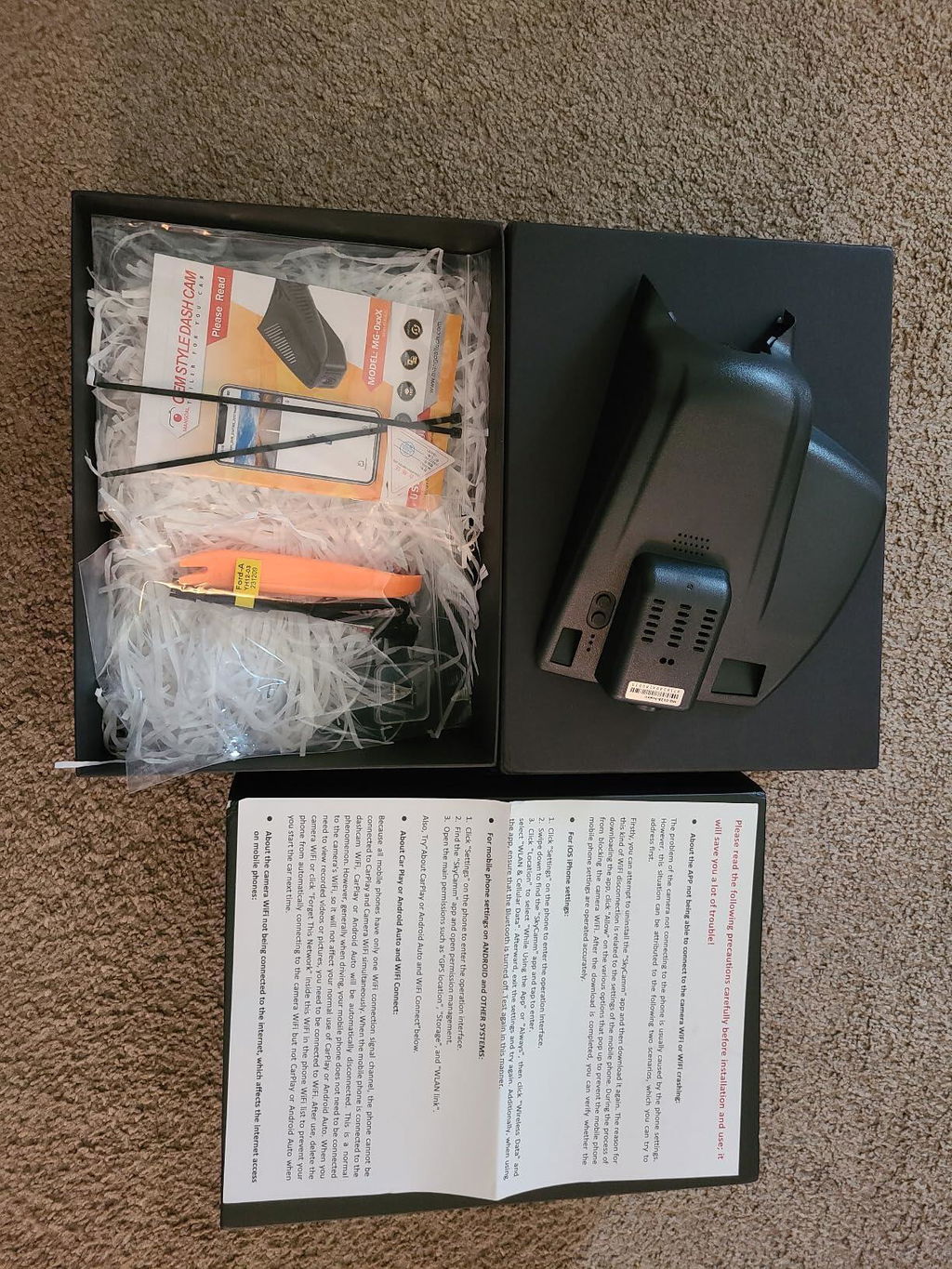
Read the Ford service instructions about removing the mirror/sensor covers, helped a lot. Took only seconds to remove the covers.
Wiring connections again, were really easy, all connected in 30 seconds. Well engineered & connections fit perfectly and securely.
Now are the learning lessons I had known before mounting the camera.
1) Clean the windshield while you have the old cover off, before you mount the new cover/camera.
2) After you make all the connections, cut off the white labels. See pictures, they are really visible and spoils the OEM look in my opinion.
3) Really do a good job tucking the wires deep inside far behind the camera so they are not visible after it's mounted - see pics. It ended up taking 3 tries mounting & removing the camera & cover before I was satisfied.
4) Remove the lens cover- lol oops.
Again, really impressed with the camera & software. The look inside the car is so OEM I don’t think most would even notice the dash camera. I only got the front view, didn't want to run wires from the rear.
Really easy installation, good clear instructions, great video quality! Great purchase!
T
Ford's mirror cover removal instructions were very helpful--covers came off in seconds. Wiring connections were equally easy and secure, taking about 30 seconds. Well-engineered fit.
Here’s what I‘d know before installing:
Clean the windshield with the old cover off before mounting the new camera.
Cut off the white labels after connecting wires--they stand out and ruin the OEM look.
Tuck wires deep behind the camera so they’re invisible. I remounted it three times to get it right.
Don‘t forget to remove the lens cover.
Aligning the windshield mount tabs was the hardest part--took me 30 minutes, including removals to adjust wires.
Software setup was simple. Wishlist: being able to email videos directly via Wi-Fi from my phone. You can view clips instantly on the app, but exporting requires removing the SD card. Still, it’s easy to save, format, and adjust settings.
Live video streams to your phone while driving, and the display rotates with your phone.
Very impressed. The camera looks OEM and discreet. I only installed the front camera to avoid rear wiring. Easy install, clear instructions, great video quality. Excellent purchase!
D
Easy install if you have rain sensing wipers and easy to operate. Looks great to.
A
I installed this camera on my Ford Fusion today and was pleased with the recording quality. The installation was not very complicated, and I was able to install in about 10 mins.
J
Absolutely love how hidden it is. Installed in a Ford Fusion.
A
easy installation, picture/video quality is good and it looks way better than having one stuck in the middle of your windshield